


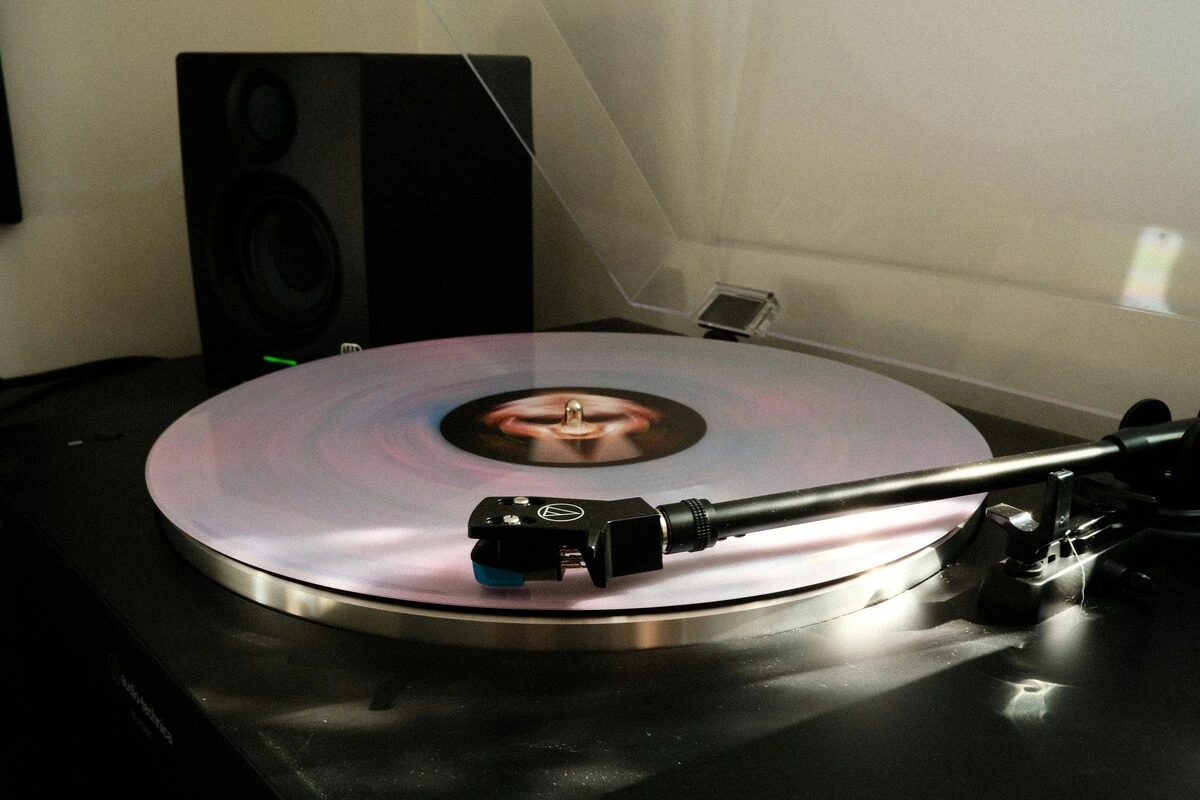
A turntable humming noise is one of the most common problems with vinyl equipment, and the frustrating thing is that several different faults sound almost the same. A cheap cable, a ground loop, a Wi-Fi router on the next shelf, or a speaker on the same table as the turntable can all produce a low-pitched hum. This guide, part of our turntable setup guides, helps you figure out which one you have before you start changing things.
Key takeaways
- Start with a test: Turn off the turntable while the amplifier remains on. If the hum continues, it’s electrical; if it stops, it’s mechanical or it comes from the deck itself.
- Cables are a frequent cause of this problem: owners who replaced long or unshielded RCA cables with short, shielded cables often report that the hum disappeared.
- The ground wire can worsen the situation: If the hum occurs only when the ground wire is connected, the turntable is connecting to a ground loop that already exists elsewhere.
- A hum that changes when the tonearm is touched points to the cartridge and headshell connections, not the amplifier.
The 30-second test: electrical or mechanical hum?
Pro-Ject’s hum guide begins with a simple split. With the amplifier powered on and the phono input selected, turn off the record player:
- The hum continues: The noise is electrical; it’s in the grounding, the cables, or the phono stage.
- The hum stops: The noise comes from the running turntable or from vibration. Go to “A hum that increases with volume”.
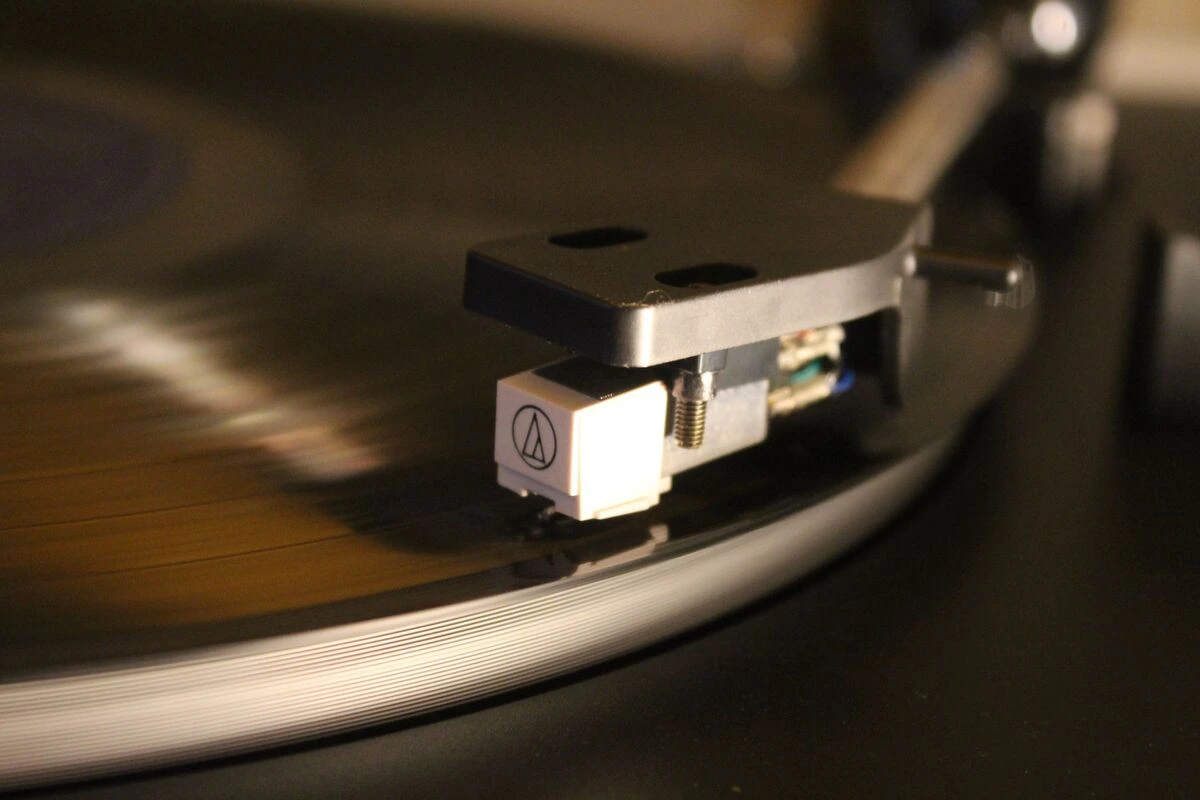
Next, check how loud it is. Henley Audio, Pro-Ject’s UK distributor, notes that on a well-made turntable some hum is only audible with the amplifier at maximum and without any record playing. If you only hear it like that, your equipment is probably already working fine.
Myth vs fact
Myth: A low hum and a high-pitched buzz have the same cause.
Fact: The hum is the frequency of the electrical grid itself (60 Hz in the USA, 50 Hz in the UK), while the buzz consists of its higher harmonics; the buzz often sounds louder because hearing is most sensitive around 2 to 5 kHz.
Electrical cause 1: the ground wire is missing or loose
Most turntables have a separate thin cable, often with a spade connector, that must be connected to the GND terminal of the amplifier or phono stage. If it’s not connected at both ends, the usual result is a hum. Our step-by-step guide on how to ground a record player covers the connection itself, so here are just the checks:
- Both ends tight: The spade sits completely under the amplifier’s terminal screw, and the other end connects to the turntable.
- Does the amplifier not have a GND terminal? Pro-Ject points out that this usually means the amplifier does not have a phono input, so a turntable with a built-in phono preamp or an external one is needed.
- Still humming? The system may not have a true ground point. Pro-Ject calls this a floating ground: if no component has a grounded plug, some element in the chain must provide it.
Electrical cause 2: cables and connectors
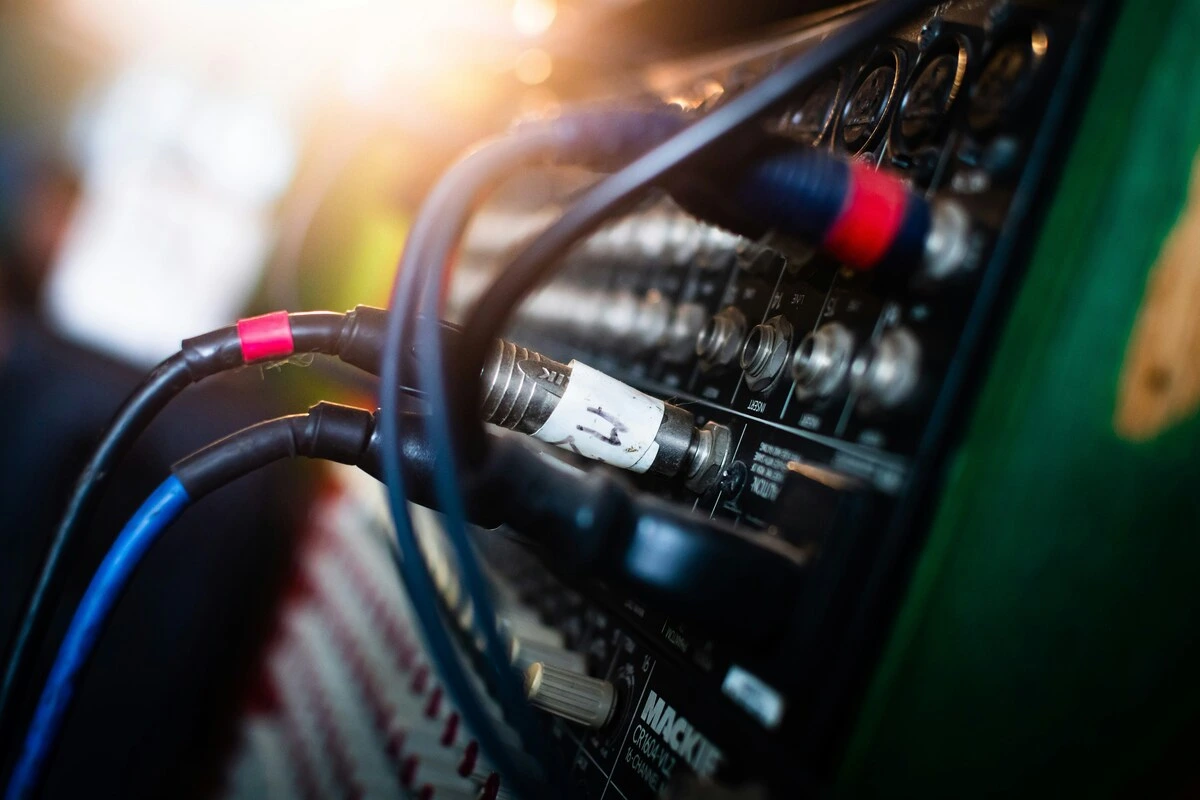
The cable between the turntable and the amplifier transmits a very weak signal, so a poor cable quickly manifests as a hum. According to user reports, replacing the RCA cables is one solution that often works: inexpensive unshielded cables, a cracked RCA connector or a cable several meters long was the cause in several cases, and the solution was to use short, properly shielded cables. Shielded cables don’t have to be expensive.
Cable routing also matters. Keep audio and power cables separate, and where they must cross, cross them at a right angle. Our guide to the best interconnect cable for DIY explains what characteristics a well-shielded cable should have.
Electrical cause 3: a ground loop
The opposite of a missing ground: too many grounds. When multiple components are grounded through their plugs and also through cable shielding, current flows through the shielding and manifests as a hum. A technical note from Jensen Transformers explains why: the cable shielding carries both the ground current between the boxes and the audio signal.
Two patterns repeat themselves over and over:
- The hum only occurs when the ground wire is connected. The loop already exists elsewhere, and connecting the turntable brings it into the existing loop. If the system operates with less noise without the ground wire, users leave it disconnected.
- A component with a two-pin plug. A device without a ground connection, when connected to devices with ground connections, may have its only ground connection through the audio cables. Users who encountered this issue resolved it by assigning a single common ground point to the entire system.
What to try, in order:
- Connect all components to a single power strip instead of different wall sockets.
- Try disconnecting the ground wire for a moment. Pro-Ject also notes that removing it occasionally makes the hum disappear.
- Use ground-lift switches where the components have them, on all components except one.
- Use a transformer-based ground isolator in the signal path if nothing else works. Jensen rates its transformer types for ground differences of up to 250 V RMS.
Watch out
Do not cut or tape over the earth pin of a mains plug, do not use a “cheater” adapter, and do not connect a homemade cable from your phono preamp to the earth pin of a plug, a trick circulating online. Jensen’s note warns that defeating a safety ground connection can put lethal voltages on every piece of connected equipment. Instead, use ground-lift switches or an isolator in the audio path.
A hum that changes when you touch the tonearm
If the hum increases or decreases when you touch the tonearm, headshell, or cartridge, the problem is before the amplifier. Owners who searched for this sound found it in:
- Headshell contacts: dirty or loose, or a headshell collar that is not fully screwed on.
- Cartridge tags: a tag on the wrong pin or not securely attached.
- A cartridge grounding tab: Some cartridges have a small metal tab that connects the body or casing to a channel’s ground. The hum a user was experiencing disappeared when this tab was removed.
- Tonearm wiring: One owner discovered that a hum he had lived with for 13 months was coming from a solder joint at the point where the tonearm wires connect to the output board inside the deck.
Tip
If you have a different cartridge or headshell, try it. If the hum stays with the turntable, regardless of the cartridge installed, check the tonearm wiring and output connections; if the hum moves with the cartridge, check its tags and ground connection.
Electrical cause 4: interference from nearby devices
Phono cartridges produce a tiny signal that is greatly amplified, making them susceptible to interference. The Pro-Ject guide lists Wi-Fi routers, computers, phones, and streaming devices as typical sources and notes that moving coil cartridges are less susceptible than moving magnet types.
The owners describe the Wi-Fi router or access point near the phono stage as making a pulsating noise, similar to that of a helicopter. Moving it a couple of feet, or to a lower shelf, removed it; one owner found the moving coil input recovered before the moving magnet one. Others mention dimmer switches, LED or fluorescent lighting, and computers on the same circuit, and some found that a filtered power strip for audio equipment helped. Mains transformers also matter: an amplifier or power supply on the shelf directly below the turntable can induce hum, and moving it away is the solution.

Electrical cause 5: the phono stage is set incorrectly
A phono preamp with too little gain forces you to turn up the volume, and the hum comes up with it. These are the typical settings offered by Pro-Ject:
Typical phono stage settings:
| Cartridge type | Gain | Load impedance | Capacitance |
|---|---|---|---|
| Moving magnet (MM) | approximately 40 dB | 47 kΩ | 100 to 500 pF |
| Moving coil (MC) | approximately 50 to 60 dB | 10 to 500 Ω | not specified |
As of 11/2026
If your turntable has a built-in preamp switched on and you also connect it to a PHONO input, the signal is amplified twice; set the turntable’s switch to LINE or use the amplifier’s line input. Our explanation of impedance in audio covers the load values, and our selection of the best phono preamp under $500 lists stages with adjustable gain.
A hum that increases with volume: acoustic feedback
If the hum increases when you turn up the volume, it might not be electrical at all. The speakers vibrate the turntable, the cartridge picks up the vibration, and the amplifier reproduces it at a higher volume, in a loop. The most common setup behind this, according to user reports, is speakers placed on the same table or shelf as the record player; placing them on stands or another surface solved the problem. ProSoundWeb adds the following general solutions:
- Move the subwoofer or the speakers further from the turntable.
- Turn down the bass a little.
- Isolate the record player against vibrations, for example, on a solid independent stand.
A model diagnosis. The hum is audible at normal volume.
Turntable off: the hum persists, so it’s electrical. Ground wire checked and properly tightened: no change. 3 m RCA cable replaced with a short shielded one: quieter, but not gone. Wi-Fi router moved from the shelf to the next room: no change. Turntable and amplifier connected to the same power strip: the hum becomes inaudible. There were two causes: a faulty cable and a ground loop between two outlets.
A quick order for finding faults
- Switch off the record player with the amplifier switched on to separate the electrical hum from the mechanical hum.
- Check the ground wire at both ends.
- Swap the RCA cables for short, shielded ones.
- Put all components on a single power strip.
- Touch the tonearm: if the hum changes, check the headshell contacts and the cartridge tags.
- Move Wi-Fi routers, computers, and transformers away from the deck.
- Check that the gain of the phono stage and the PHONO/LINE switch of the turntable match.
- Move the speakers off the turntable surface if the hum increases with the volume.
- Add a transformer ground isolator only if a loop persists.
Summary
A turntable humming noise is usually electrical in origin: a loose ground wire, a faulty RCA cable, a ground loop, nearby interference, or incorrect gain in the phono stage. First, turn off the turntable to determine if the hum is electrical or mechanical, change one thing at a time, and never defeat the safety ground to try to eliminate it.
Frequently asked questions
FAQ
How can I stop my turntable from humming?
Check the ground wire at both ends, use short shielded RCA cables, connect all components to the same power strip, and move the Wi-Fi equipment further away. If the hum increases with volume, move the speakers off the turntable surface.
Why is my turntable humming at a high volume?
Either the phono stage gain is too low, so you turn up the volume too much and, with it, the noise increases, or the speakers are vibrating the turntable and causing acoustic feedback.
Why does my turntable hum even when it’s grounded?
The turntable may be connecting to a pre-existing ground loop. Try plugging the components into one power strip and briefly disconnecting the ground wire; if the noise decreases without it, leave it disconnected.
Why does my turntable hum when I touch the tonearm?
The cartridge or headshell connections are usually the cause: dirty contacts, a loose headshell, a loose cartridge tag, or a cartridge grounding tab.
Is it safe to remove the ground pin to stop the hum?
No. Removing a mains safety earth can cause lethal voltages in connected equipment. Instead, troubleshoot the hum in the audio path.
Sources
- Whitlock B.: Hum & Buzz in Unbalanced Interconnect Systems, Application Note AN-004. Jensen Transformers, 1996. www.jensen-transformers.com/wp-content/uploads/2014/08/an004.pdf
- Pro-Ject Audio Systems: Turntable Electrical Hum Guide (2019, verified 11/2026). henleyaudio.co.uk/media/22kjj2z4/turntable-hum-explained-2019.pdf
- Henley Audio: Turntable Earthing Advice (no date, verified 11/2026). www.henleyaudio.co.uk/Turntable-Earthing
- National Energy System Operator (NESO): System frequency data, nominal 50 Hz (no date, verified 11/2026). www.neso.energy/data-portal/system-frequency-data
- ProSoundWeb: Tech Tip of the Day: Turntables & Low Frequency Noise (2010, verified 11/2026). www.prosoundweb.com/tech-tip-of-the-day-turntables-low-frequency-noise/
